 ShopNx
Start dropshipping from your own store
Your supplier holds the stock and ships it. You run the store, the ads and the customer. ShopNx charges no monthly fee, so your money goes on ads, not on a plan.
Tell us what you sell on WhatsApp(opens in a new tab)
Put your catalogue up fast
- Import your supplier's list. Bring products in from a CSV file, or from a Shopify product CSV if you are moving from Shopify.
- No shelf to count. Turn off stock tracking on a product, so it stays on sale while your supplier has it.
- Your own name. Connect your own domain and put up your logo, so customers remember the name.
- Sizes and colours. Each variant has its own price and photo, so a product with five colours is still one page.
Know your margin before you spend more on ads
- Profit by campaign. Enter what your supplier charges you for each product, and ad reporting shows sales and profit by source and campaign.
- Ad pixels. Connect Meta Pixel with Conversions API, plus TikTok, Pinterest and Snap pixels.
- Pay only on what sells. There is no monthly fee, so a product that doesn't sell costs you no platform bill.
- Win back unfinished orders. Send basket reminders on WhatsApp and abandoned checkout reminders by email.
Pass on only orders that will be paid for
- Confirm COD first. Cash on delivery orders can get Confirm and Cancel buttons on WhatsApp, so you send your supplier only the orders a customer confirmed.
- An alert for every order. Get a Telegram message for each new order, payment, cancellation and return, so you can pass it on straight away.
- Your own COD fee. Add a fee on cash on delivery orders if you want one.
- Updates in your name. Tell customers about their order on WhatsApp, from your own Business account.
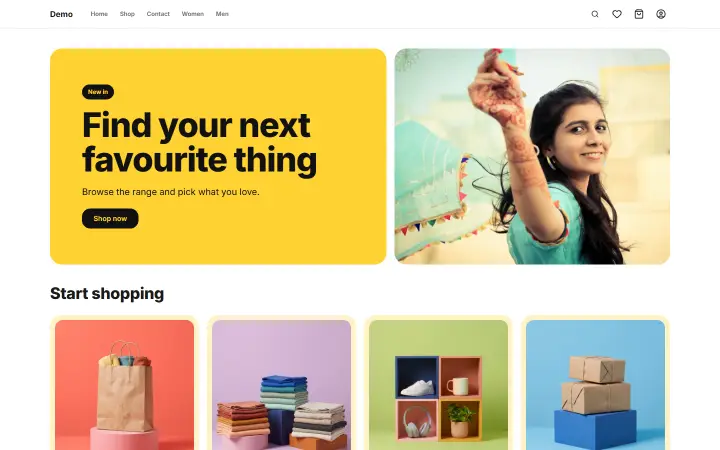 Open the sample shop (opens in a new tab)
What to know before you start
- You pass each order to your supplier. ShopNx doesn't connect to a dropshipping supplier or app, and it doesn't place orders with them for you. You send each order on yourself, by message, email or your supplier's own panel.
- Your customer comes to you. If a parcel is late or broken, the customer asks you, not your supplier. Agree delivery times, packing and returns with your supplier before you sell.
- Check what you sell. A cheap product can be a copy of someone's brand, so confirm your supplier can legally sell it.
What it costs
₹0 a month. You pay 1% of delivered, non-returned orders, plus 18% GST on that fee, and nothing in a month with no sales. Your payment gateway and courier charge separately. See the full pricing and calculator.
Questions sellers ask
Can ShopNx send orders to my supplier automatically?
No, not today. You get an alert for each order and pass it on yourself. If your supplier has a system you want connected, send us the details.
Do I need GST to dropship in India?
It depends on what you sell, your turnover and where you ship, so ask your accountant. Your ShopNx store works with or without a GSTIN.
Can I bring my products from Shopify?
Yes. Export a product CSV from Shopify and import it into ShopNx. See moving from Shopify.