 ShopNx
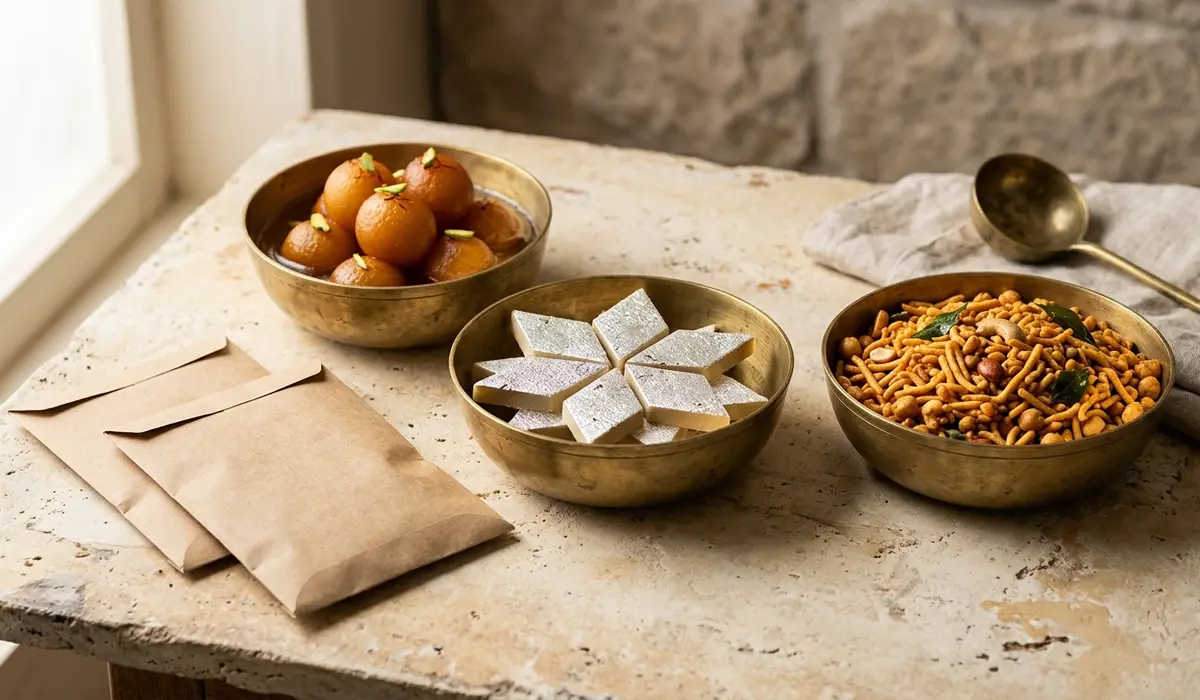
Sell food and snacks from your own online store
Food sells to people nearby and to people who miss home. ShopNx lets you set which areas you deliver to and at what rate, so you only take orders you can deliver.
Tell us what you sell on WhatsApp(opens in a new tab)
Set up for food
- Delivery rates by zone. Set a low rate nearby and a higher one across India.
- Weights and packs. List 250 g, 500 g and 1 kg as variants, each with its own price and stock.
- Made-fresh items. Turn off stock tracking on items you make after the order comes in.
- Festival boxes. Build collections for Diwali or Rakhi, arranged from sections.
Keeping customers informed
- WhatsApp order updates. Send them from your own WhatsApp Business account.
- Alerts for you. Get Telegram alerts as orders and payments come in.
- Pay your way. Take UPI and cards through Razorpay, or cash on delivery if you offer it.
- GST by category. Give a category its own GST rate, and look up HSN codes from your admin.
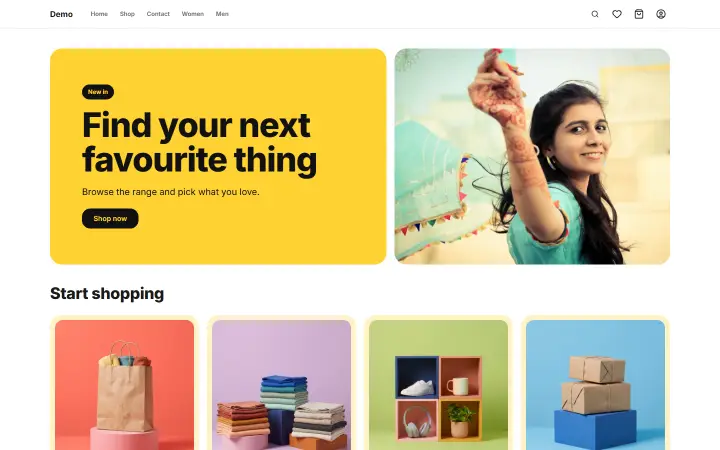 Open the sample shop (opens in a new tab)
What to know before you start
- Food needs FSSAI. Food businesses in India need an FSSAI registration or licence. Add your number to your store, and show the details your label requires.
- Shelf life limits your courier. A courier can take days, so ship only what lasts the journey, and set zones to match.
What it costs
₹0 a month. You pay 1% of delivered, non-returned orders, plus 18% GST on that fee, and nothing in a month with no sales. Your payment gateway and courier charge separately. See the full pricing and calculator.
Questions sellers ask
Can I limit delivery to my city?
You can set delivery rates by zone, so you decide the areas you serve and what each one costs.
Can I take orders for a later date?
There is no delivery date picker at checkout, so agree the date with the customer on WhatsApp.