 ShopNx
An Instagram link for each product
Copy a product’s link already tagged for Instagram. Orders from it then count under Instagram in your ads report, instead of showing up as unknown.
Beta: built and tested on the demo store, not yet proven on a real store.
How do I get it?
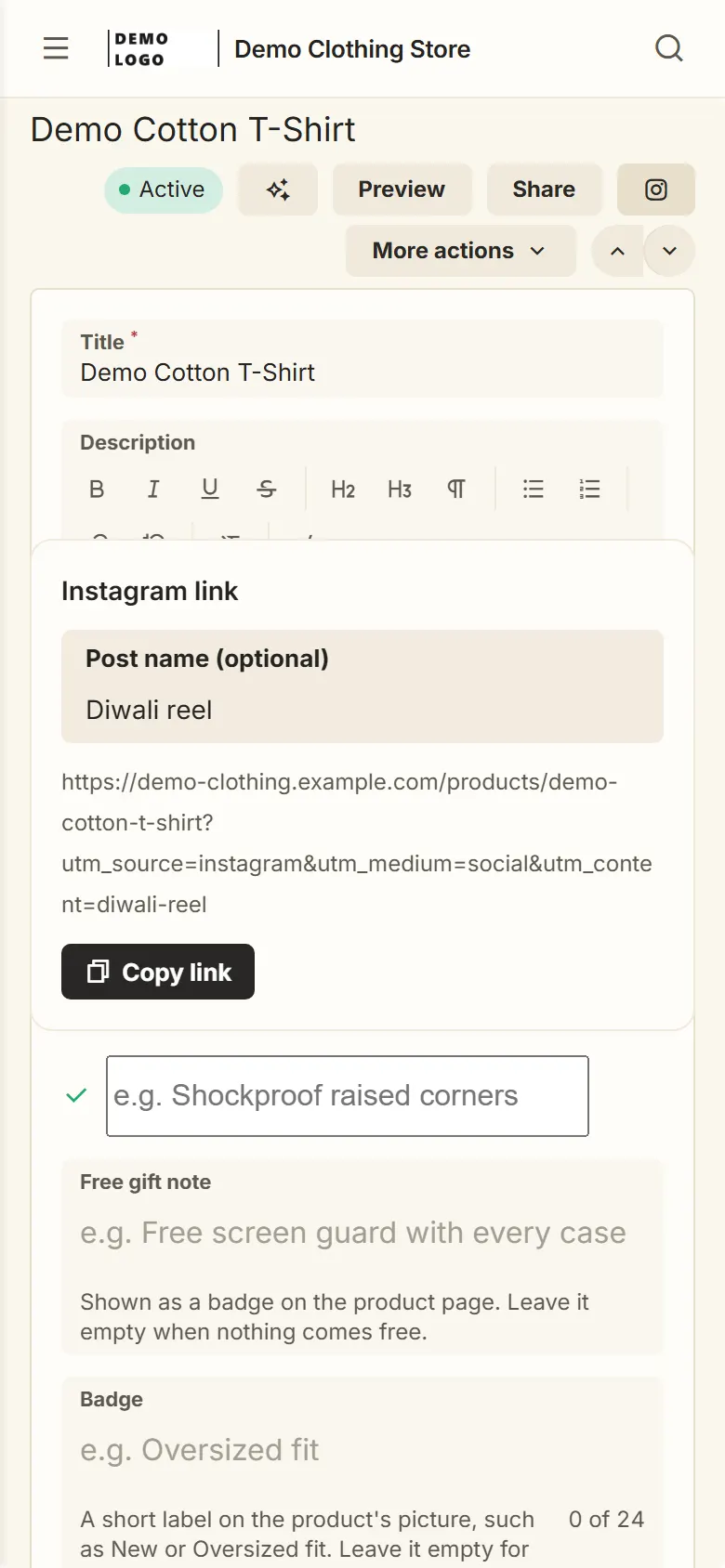
Open the product in the panel and press the Instagram button. Add a post name if you like, then press Copy link and paste it into your post, story or bio.
More: sell on Instagram and the ads report.
Create your free store. Other changes are on Updates.
Questions sellers ask
Where do I find it?
On the product page in the panel: press the Instagram button.
What is the post name for?
It is optional. Name the post, such as “Diwali reel”, and the link carries it, so you can tell which post brought the order.