 ShopNx
How to sell products on Instagram in India, using your own online store
Instagram is where people find you. Your own store is where they buy. Put real photos and honest details on your products, give them prices, put one store link in your bio, and post reels that answer buyers’ questions. Then every “price?” comment can become an order without a single DM.
Why do so many Indian sellers start on Instagram?
It costs nothing to start, your phone is the studio, and people who like one post can see everything you make in a few swipes. Home bakers, boutique owners, artisans and small brands can show their work to people far beyond their own city. The hard part is not getting seen. It is turning interest into paid orders.
What goes wrong with orders in DMs?
- Buyers wait, and leave. “DM for price” means they have to ask and then wait for you to answer.
- You answer the same questions all day. Price, sizes, colours, delivery time, COD.
- Details get lost. Addresses copied from chats, payments checked by screenshot, orders kept in your head.
- Nothing works while you sleep. A buyer at midnight can’t order until you wake up.
A store fixes all four. The price, the sizes and the checkout are there whenever the buyer is ready, and every order arrives in one list with the address and payment attached. The store for Instagram sellers page shows how ShopNx handles this.
Step 1: prepare honest product information
Buyers can’t touch the product, so your page has to answer what their hands would.
- A plain name buyers would search for: “Handloom cotton stole, indigo”, not “Blue Beauty”.
- Size and measurements in centimetres or inches, the material, care instructions, what is in the box.
- Each option as a variant, such as size or colour, with its own price, stock and photo (products and variants).
- Only true claims. Write “handmade” or “pure silk” only if it is. The description generator writes from the facts you give it.
Step 2: photos, prices and stock
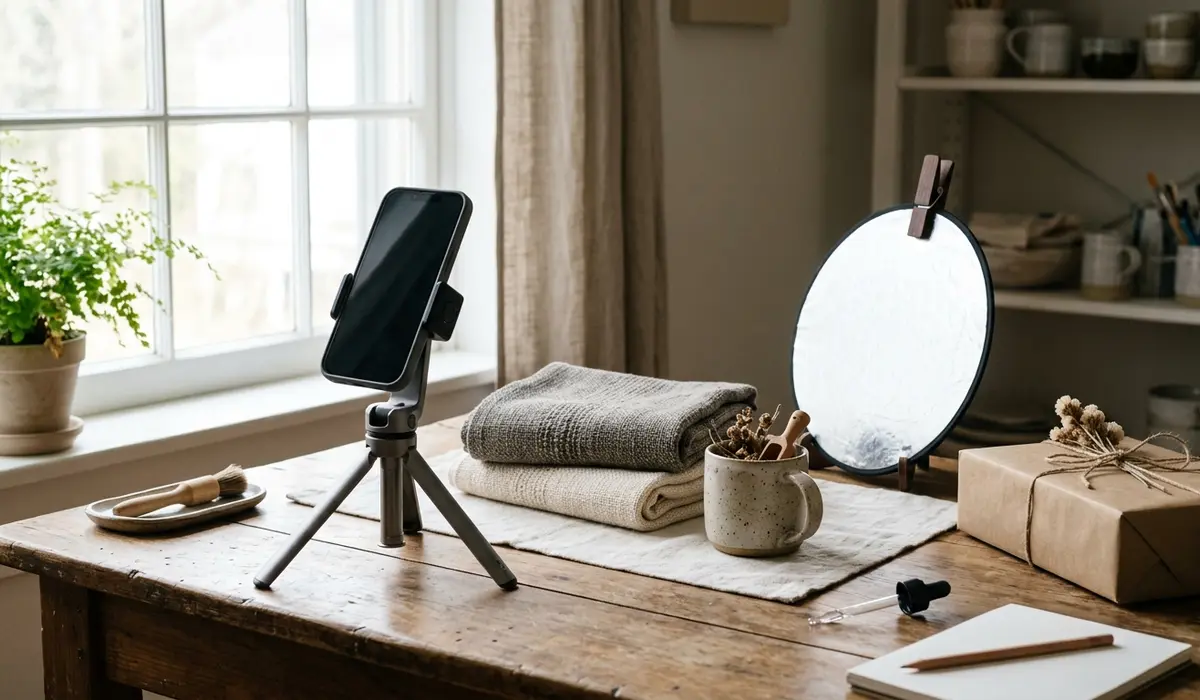
Photos. Shoot in daylight near a window, on a plain background, with one photo of the product alone and one showing its size or how it is used. Make them all the same square size with the product photo resizer; it runs in your browser and uploads nothing.
Prices. Count every cost before you price, not just what you paid for the product. An example, with assumed costs: a stole costs you ₹350, packing ₹20 and the courier ₹60, so ₹430. If your payment gateway charges an assumed 2% plus 18% GST on that fee, it takes 2.36% of the price. To keep about 40%, price it at ₹749: the gateway takes about ₹17.68, and you keep about ₹301 an order. Try your own numbers in the selling price calculator.
Stock. Set how many you have of each variant, so the store stops selling what you don’t have (stock).
Step 3: create your storefront
- Create your store: name, logo and the colours you use on Instagram.
- Add your best five or ten products first. You can add the rest later.
- Group them into collections, such as “New this week” or “Under ₹999”.
- Add your return policy, contact details and an about page, so buyers can trust a store they have never seen.
- If you can, use a domain of your own. It is easier to say in a reel than a long address.
Step 4: put the store link on Instagram
- Your bio. Make your store the first link on your profile, and say what to do: “Order here, COD available”.
- Stories. Add a link sticker that goes straight to the product in the story, not the home page.
- DMs and comments. When someone asks the price, reply with the product link. It answers the price, sizes and stock at once.
- Buyers who prefer chat. Give them a WhatsApp link with the order already typed, made with the WhatsApp order link generator.
Step 5: make reels and posts that inform
People buy when their questions are answered. Make content that answers them:
- The product on, in use, or next to something everyone knows the size of.
- How it is made, packed or cared for.
- The three questions you get most, answered in one reel each.
- A new arrival with its price on screen and “link in bio” at the end.
Post regularly, and pin the reels that bring the most store visits. Don’t buy followers or fake reviews: they don’t buy, and they make real buyers trust you less.
Step 6: turn visitors into customers
- Reply fast to comments and DMs, with the product link.
- Show delivery time and cost before checkout, so there are no surprises.
- Offer a reason to pay online. A discount code that works only on prepaid orders can cut cash-on-delivery refusals (discounts).
- Thank first-time buyers in the parcel, and invite them to follow you for new arrivals.
Step 7: how buyers pay on a ShopNx store
| Way to pay | How it works |
|---|---|
| Online through Razorpay | UPI, cards, netbanking and more, confirmed automatically. Razorpay charges its own fee. |
| UPI to your own UPI ID | No gateway fee. You check each payment in your bank app and mark the order paid. |
| Cash on delivery | The buyer pays the courier. You can add your own COD charge. |
| Order on WhatsApp | The order is written out in a chat with you, and you agree payment there. |
ShopNx itself is free: ₹0 a month and ₹0 an order. Read why stores use a payment gateway before you choose.
Step 8: delivery, returns and talking to buyers
- Delivery. Set your own delivery charges by zone (set up delivery), from your courier’s rate card. The shipping cost calculator shows what a parcel really costs.
- Returns. Write a fair policy and show it before payment. A damaged or wrong item still has to be put right (refunds, returns and cancellations).
- Cash on delivery. Refused parcels cost you shipping both ways. Cut COD returns before they eat your profit.
- Updates. Tell buyers when the order is packed and shipped. A buyer who knows where the parcel is rarely refuses it.
Step 9: track what turns into orders
Add your Meta Pixel to your store before you run any ads. ShopNx sends Meta the standard product view, add to cart,
checkout and purchase events, so Ads Manager can show which ads led to sales. Google Analytics 4 is supported too.
Without ads, add a simple tag to your bio link, such as ?utm_source=instagram, so you can count visits
from Instagram in your analytics.
Beginner’s checklist
- Professional Instagram account, with a clear profile photo and a bio that says what you sell
- Five to ten products with honest names, measurements, materials and variants
- Square photos, one size, plain background
- Prices that cover product, packing, delivery and payment fees
- Stock set for every variant
- Return policy, contact details and about page on the store
- At least one way to pay online, and a decision on cash on delivery
- Delivery charges by zone
- Store link first in your bio, and product links in stories
- Meta Pixel added before your first ad
Also read: how to start an online store in India and marketplace vs own website profit.
Questions sellers ask
How do I start selling on Instagram in India?
Switch to a professional account, post clear photos and reels of a few products, and put one link in your bio where people can see prices and order. A free online store gives you that link, with cash on delivery and online payment.
Instagram shop or my own website: which is better?
Instagram’s own shopping features depend on Meta’s rules for your account and country, so check them in Meta’s Commerce Manager. Your own website works whatever those rules are, keeps each buyer’s details with you, and works the same from WhatsApp, Google or a QR code.
Do I need GST to sell on Instagram?
It depends on what you sell, how much and where. Read our guide on selling online without GST, and ask an accountant for your own case.
How do I take payment from Instagram customers?
Send them to your store, where they can pay online through a payment gateway such as Razorpay, pay by UPI to your own UPI ID, or choose cash on delivery if you offer it. Avoid taking orders and screenshots of payments one by one in DMs.
How much does a ShopNx store cost?
Free forever: no monthly fee and no fee on sales. You only pay your own payment gateway, courier, domain and AI providers, directly.