 ShopNx
“My shoppers only see UPI”: the morning cash on delivery went missing
A new T-shirt seller switched on cash on delivery, saw the ₹30 charge in the total, and still watched shoppers get only UPI at checkout. Here’s what we checked, the one box that caused it, and what we changed so no seller hits it again.
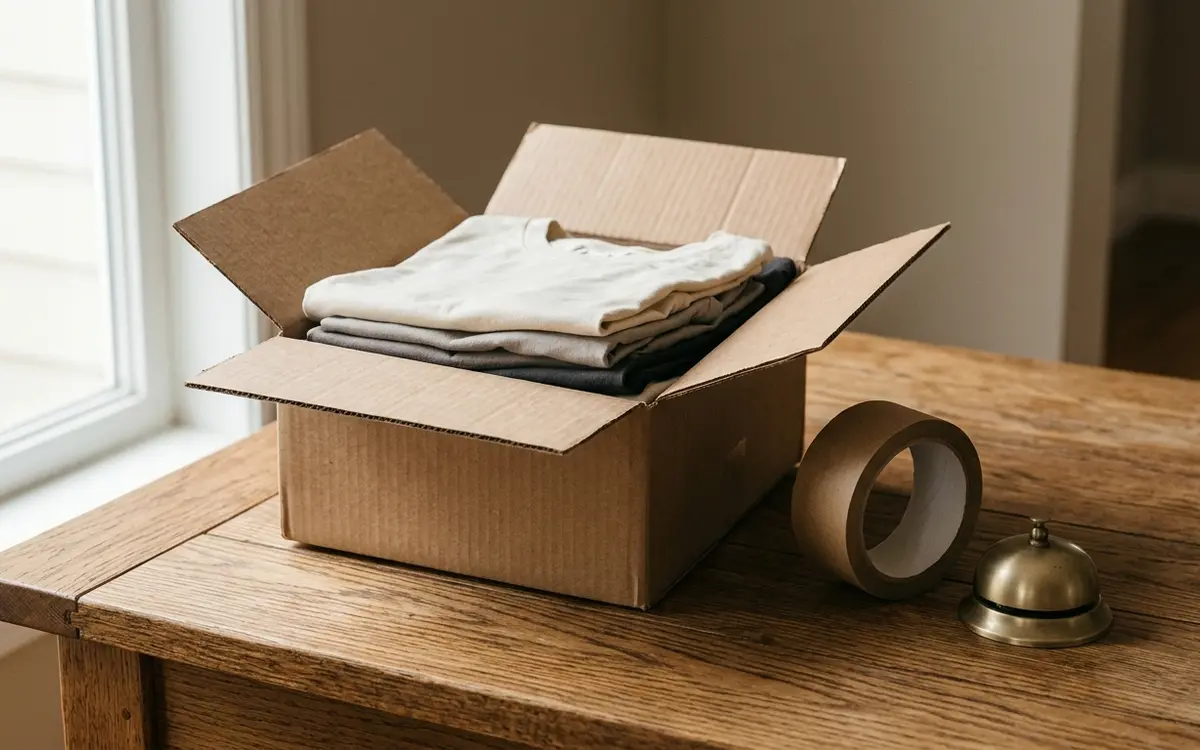
The morning, step by step
- Early morning: two emails. Cash on delivery was switched on and its ₹30 charge showed in the order total, but checkout offered only UPI. The seller tried a fresh checkout. Still UPI only.
- First check: did last night’s update break it? No. The storefront changes went live after the seller wrote, so they couldn’t be the cause.
- Second check: was cash on delivery really on? Yes, with no delivery zone, PIN code or order-amount rule hiding it.
- The cause: one unticked box. The store’s only product had “This is a physical product” switched off. With nothing physical in the bag, checkout treats the order like a download, which is never delivered, so there is no doorstep to collect cash at, and cash on delivery is hidden.
- The fix: under a minute. Tick the box, add the product’s weight, save. Cash on delivery showed at checkout straight away.
Checkout did the right thing. It just didn’t say why, and that’s on us.
What we changed for every store
The same day, the panel started warning you whenever cash on delivery is on but a product or variant is marked as not physical. The warning shows on the product, in the variant drawer and on the Cash on delivery card in Settings › Payments. Every way of creating a product now starts it as physical, too. Screens below are from the demo store.
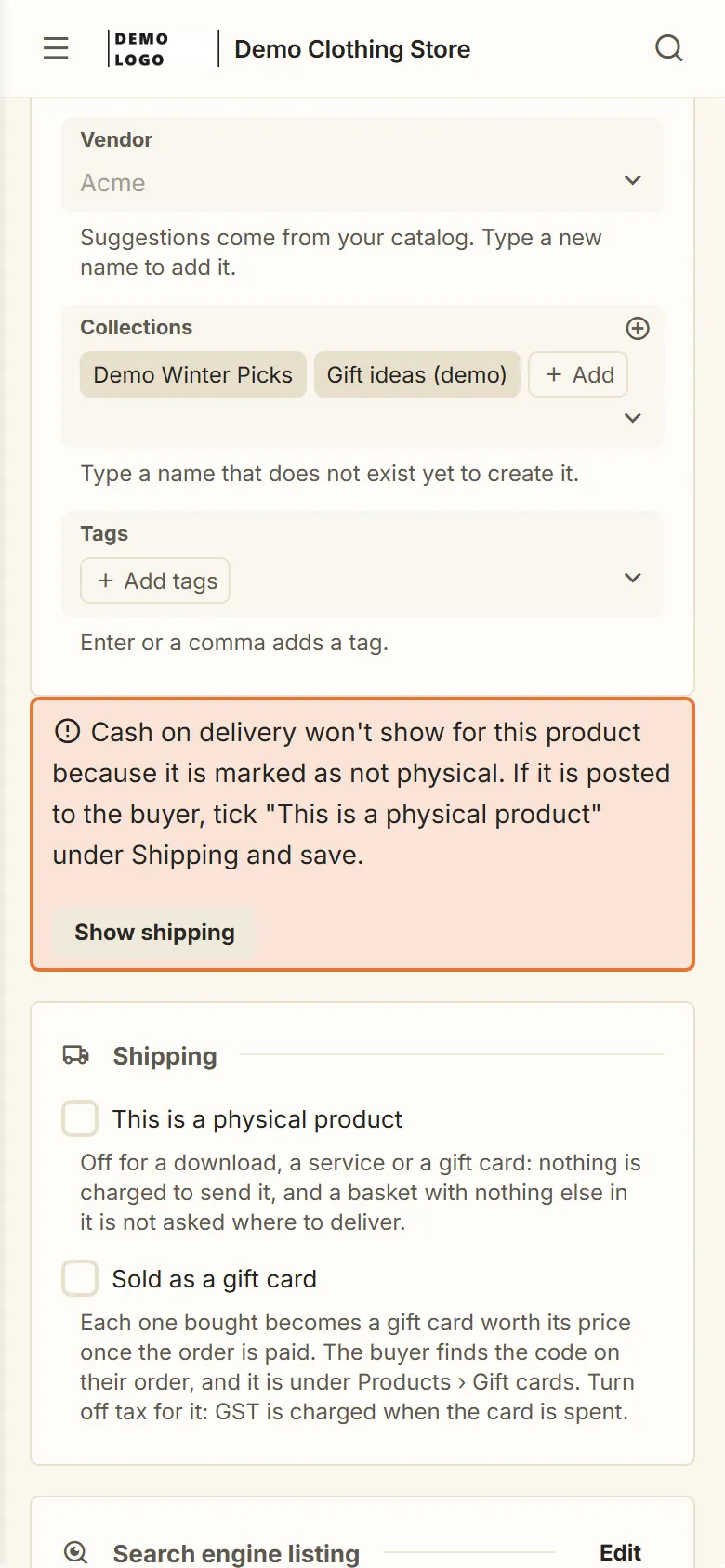
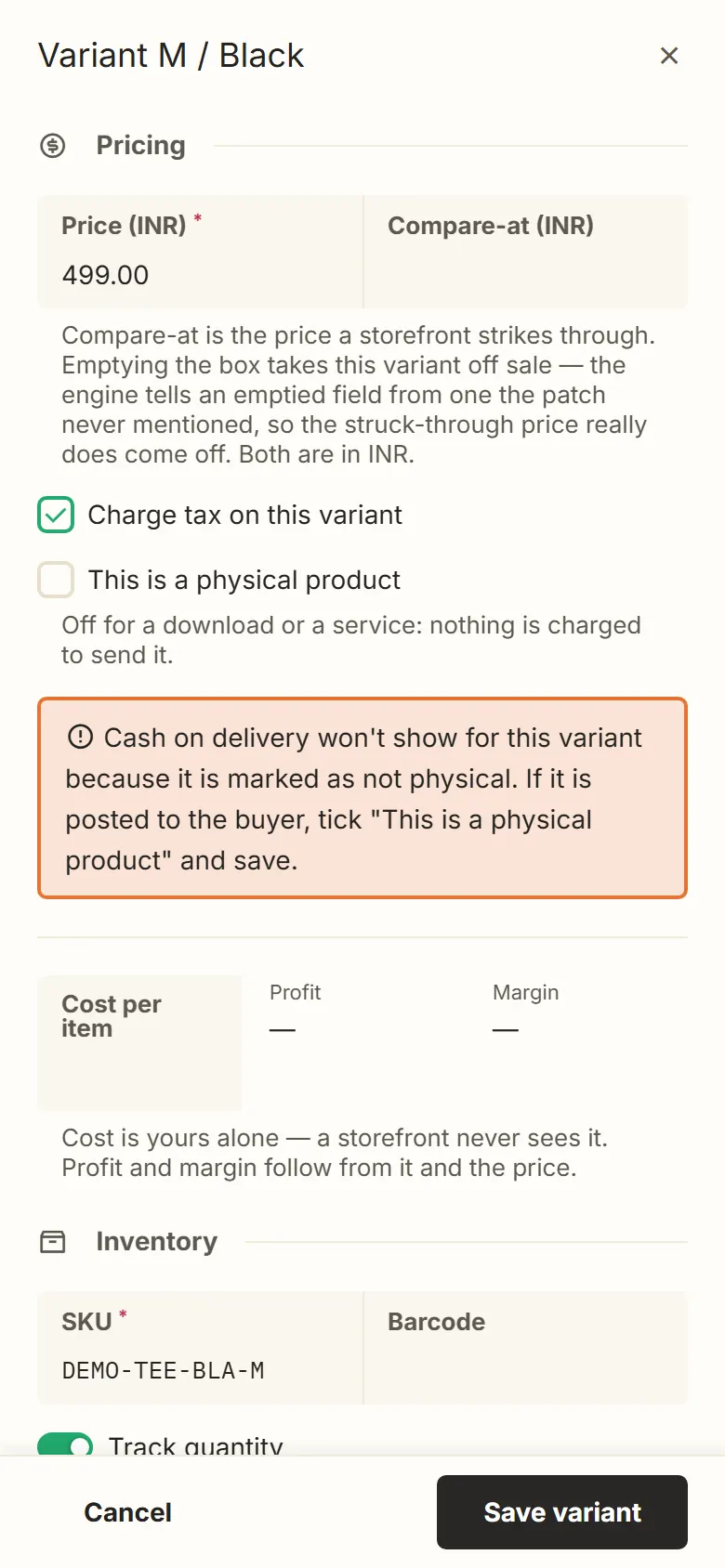
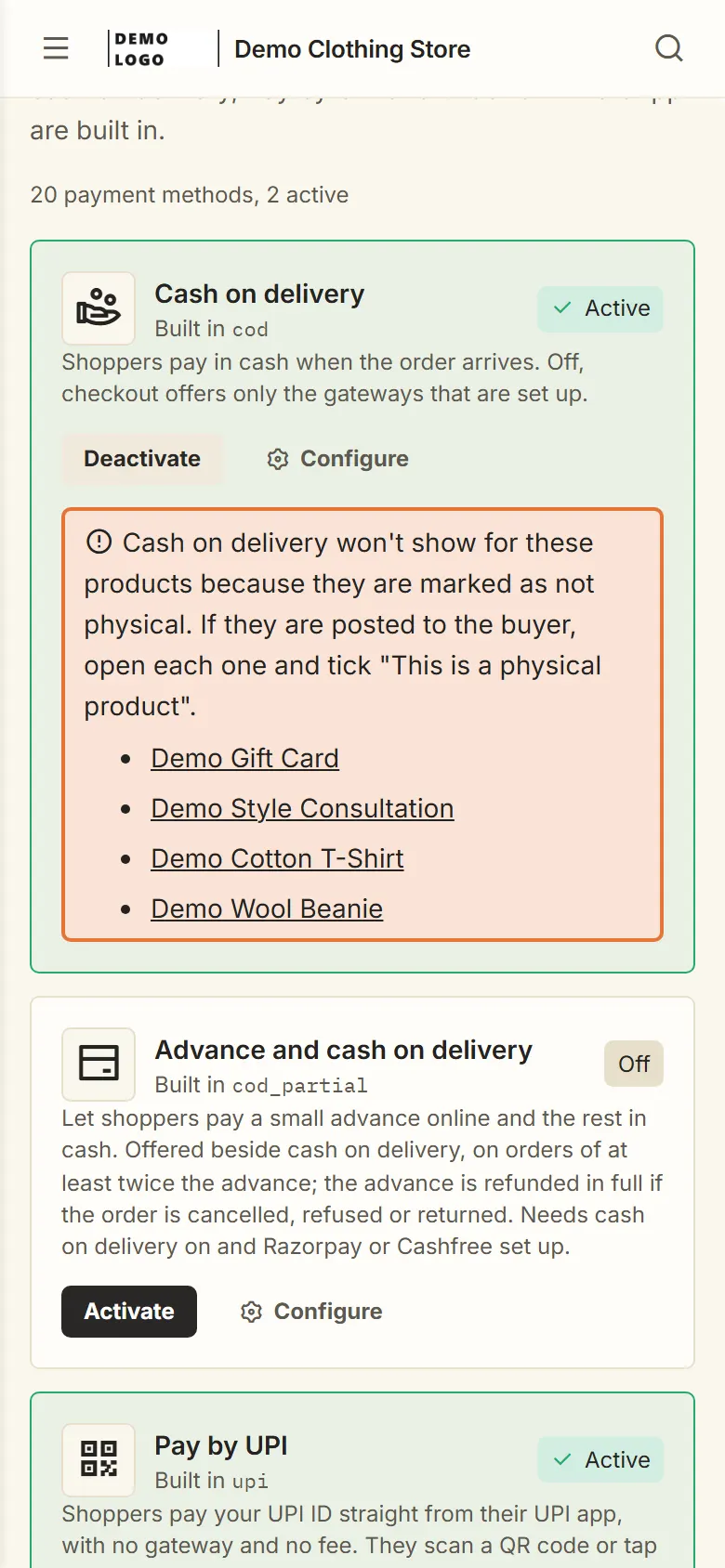
More on how cash on delivery works in a ShopNx store: cash on delivery.
Why this story matters
- A reply within hours, by email, from people who read the code, not a script.
- The real cause, not a workaround. We checked our own update first.
- One store’s problem became a fix for all. Every seller now gets the warning.
Open your store for ₹0 a month. Cash on delivery, UPI and shipping are built in.
Create your free storeQuestions sellers ask
Why does checkout hide cash on delivery for a non-physical product?
A product that isn’t physical, such as a download or a service, is never delivered, so there is no doorstep to collect cash at. Checkout offers cash on delivery only when the bag holds something to ship.
How do I check my own store?
With cash on delivery on, open Settings › Payments. The Cash on delivery card lists every product or variant marked as not physical, each as a link to fix it.
What else can hide cash on delivery?
Rules you set yourself: delivery zones, PIN codes, or a minimum or maximum order amount for cash on delivery. If none of those apply and it still doesn’t show, write to us.